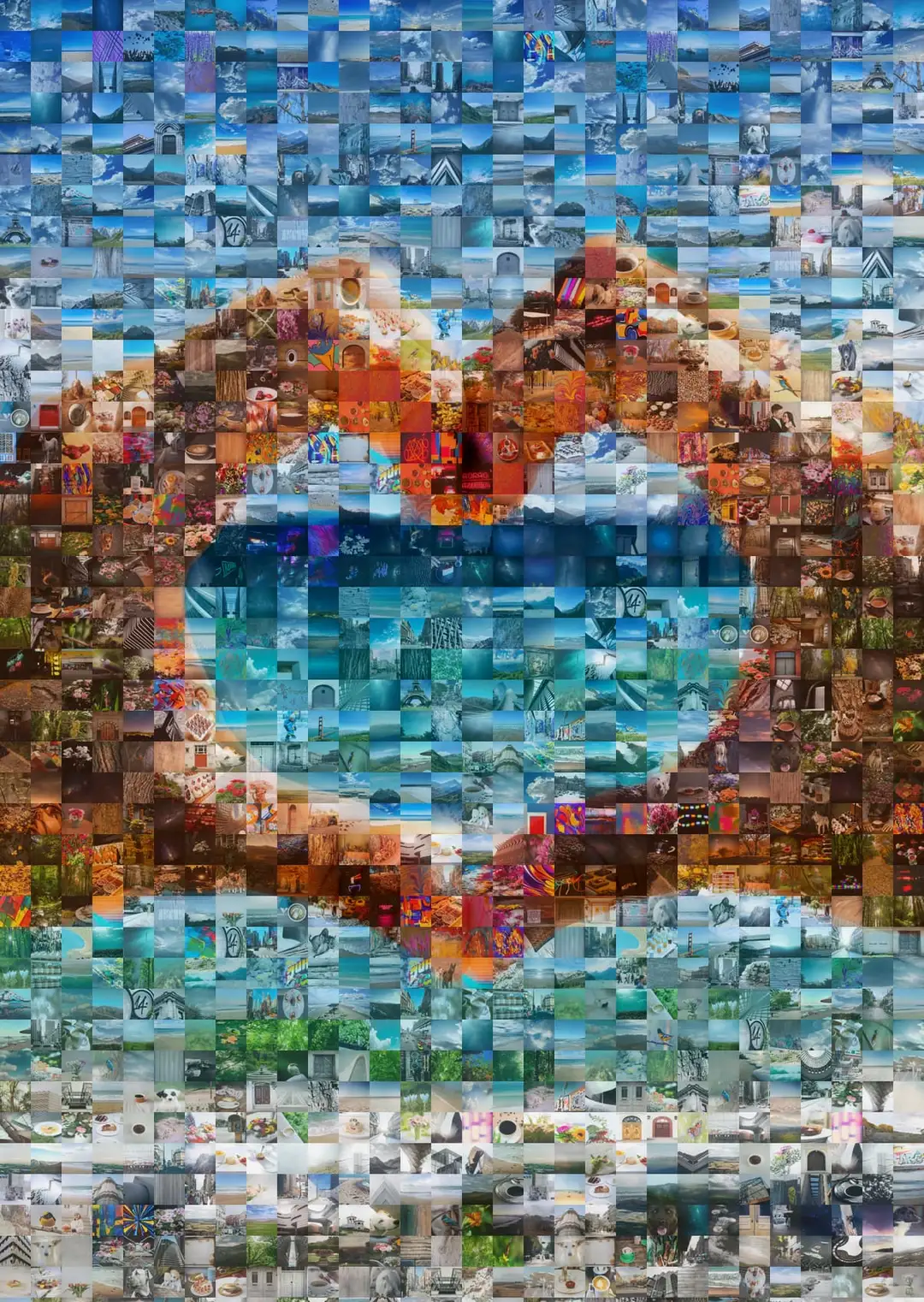
Turn your photos into a photo mosaic
One big picture, built from hundreds of your own. Design yours free, then print it for the wall.One big picture, built from hundreds or thousands of your own. Picture Mosaics has matched every tile by shape and color since 2001. Design yours free online, then print it for the wall.
1M+ mosaics createdRated #1 on PhotoMosaic.org
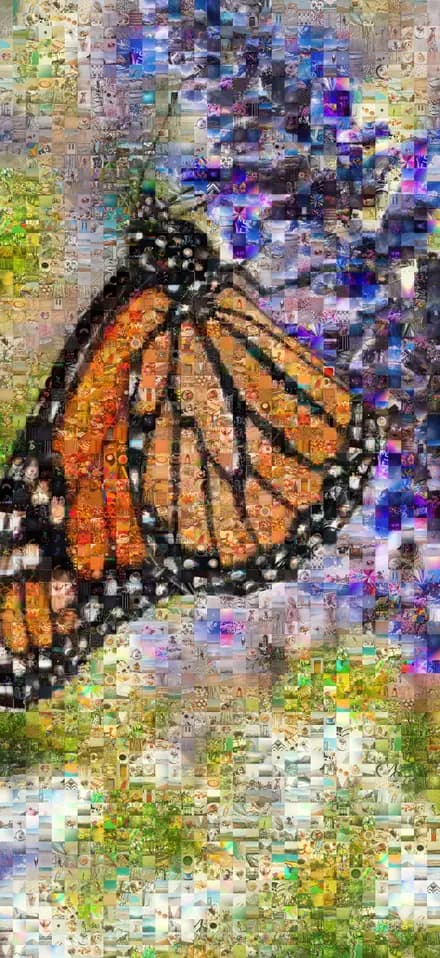
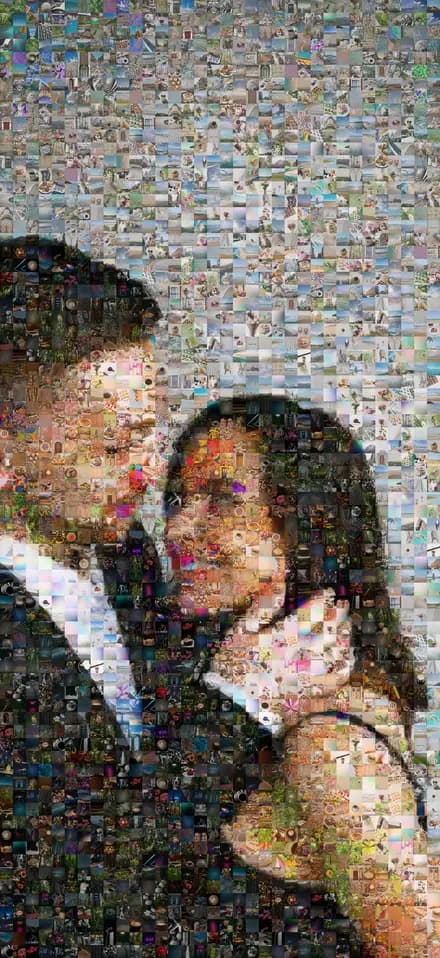
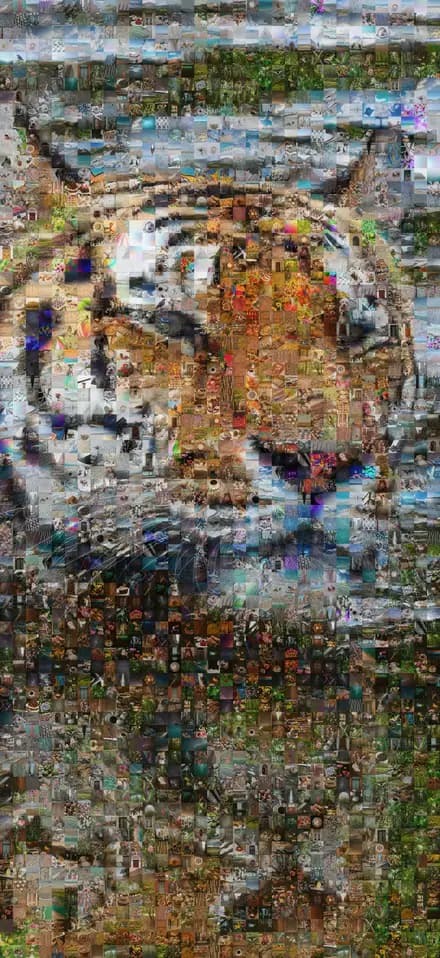
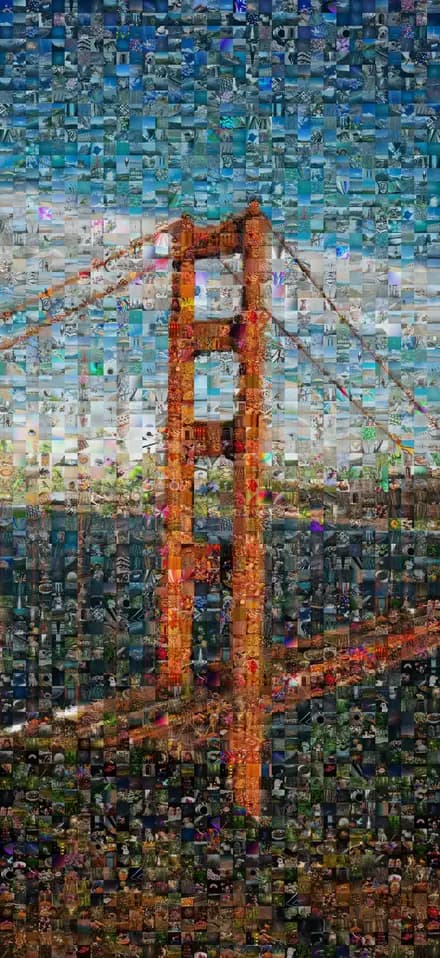
- of true photo mosaics, since 2001
- 25yearsof true photo mosaics, since 2001
- mosaics created
- 1M+mosaics created
- gallery-grade print quality
- 2,880+ dpigallery-grade print quality
- rated on PhotoMosaic.org
- #1rated on PhotoMosaic.org
- satisfaction guarantee
- 100%satisfaction guarantee
What is a true photo mosaic?
Step back, it’s one picture. Step closer, it’s thousands.
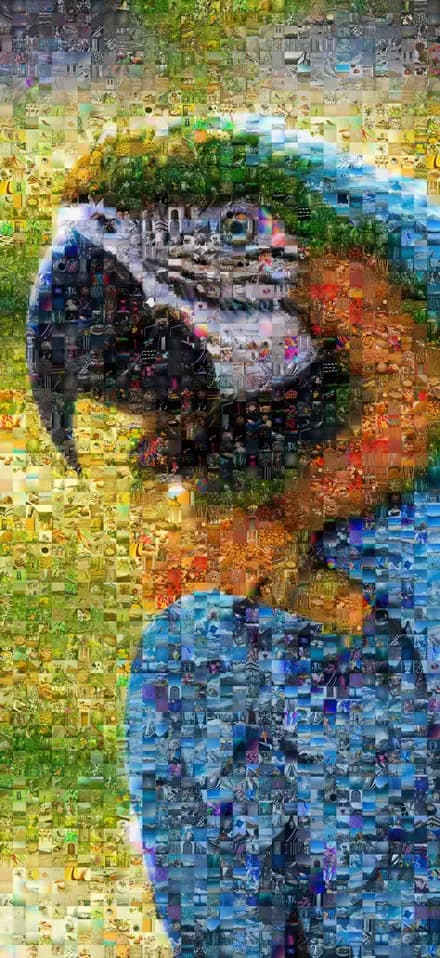
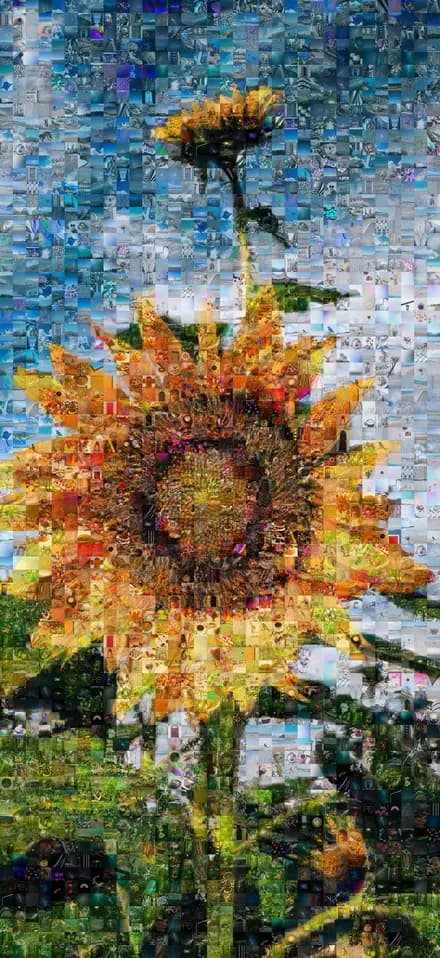
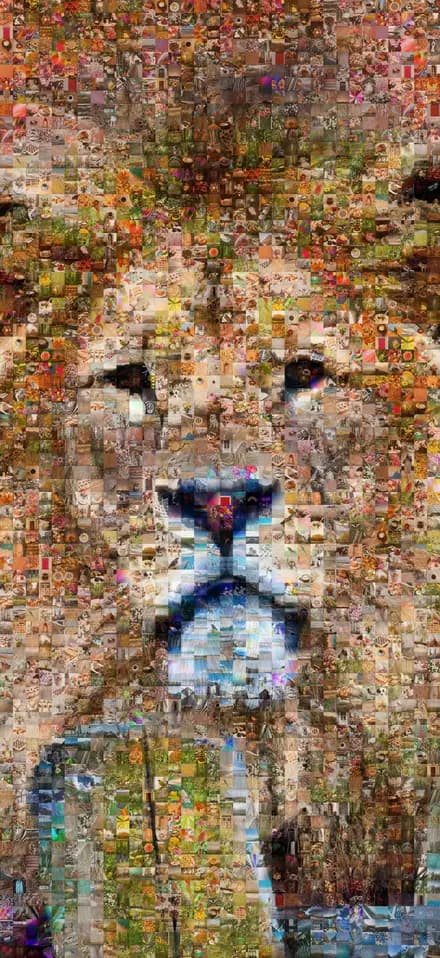
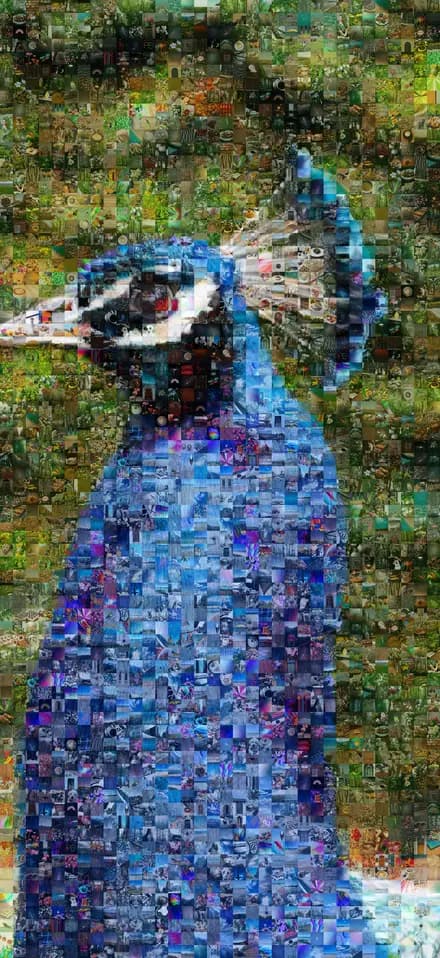
A photo mosaic is one large image made entirely of smaller photographs. In a true mosaic it’s the shapes and colors of those photos that draw the picture, so it reads from across the room and rewards anyone who walks up to it.
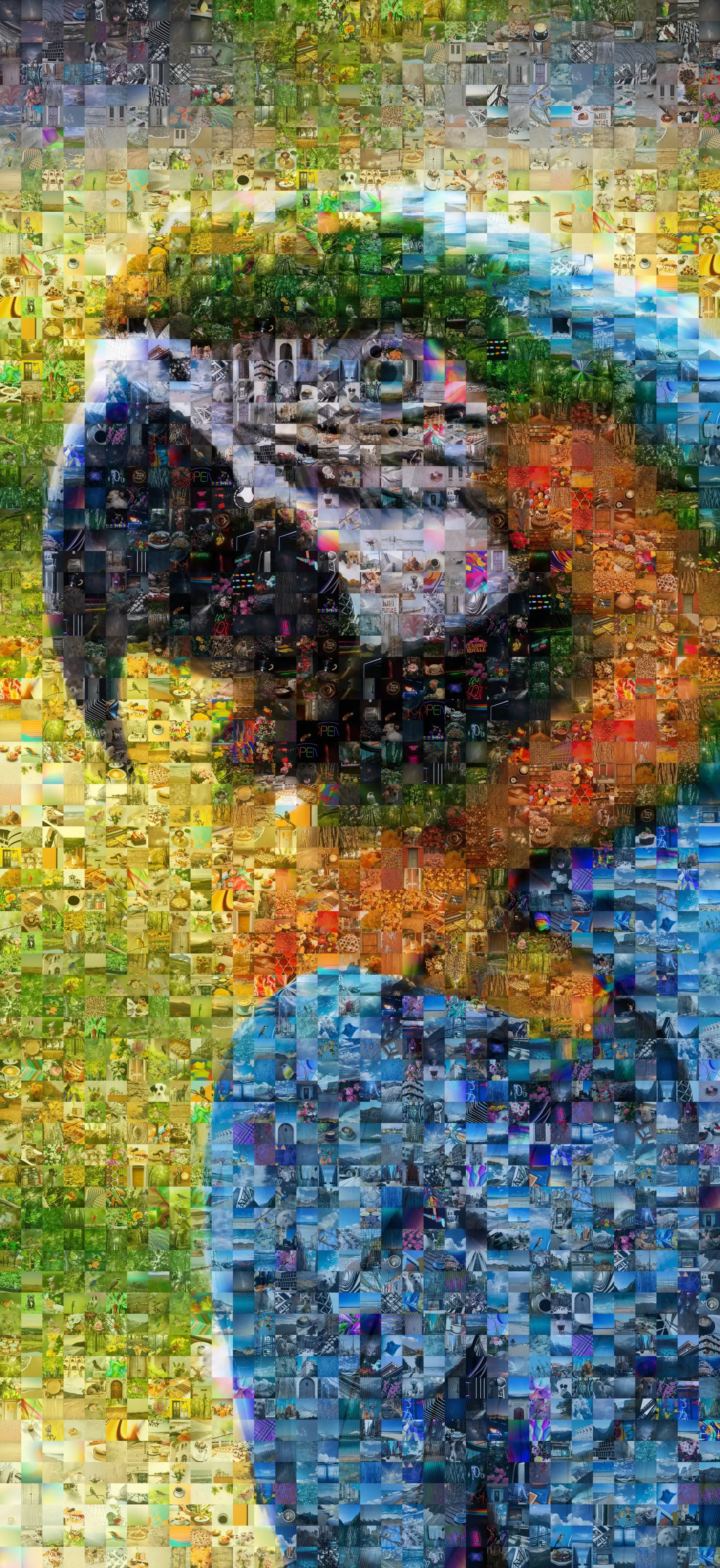
From across the room, it’s a macaw.
How to create a photo mosaic
Four steps, a few minutes, and the software does the hard part: placing every photo where its shapes and colors belong.
 STEP 01
Choose your main photo
Pick a picture with one or two clear focal points and a good range of color: a close-up portrait, a pet, a favorite place.






 STEP 02
Gather the tile photos
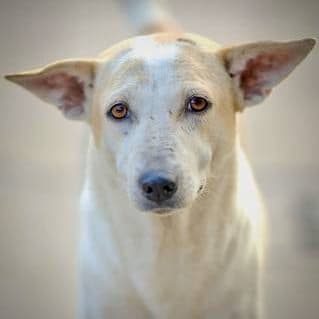
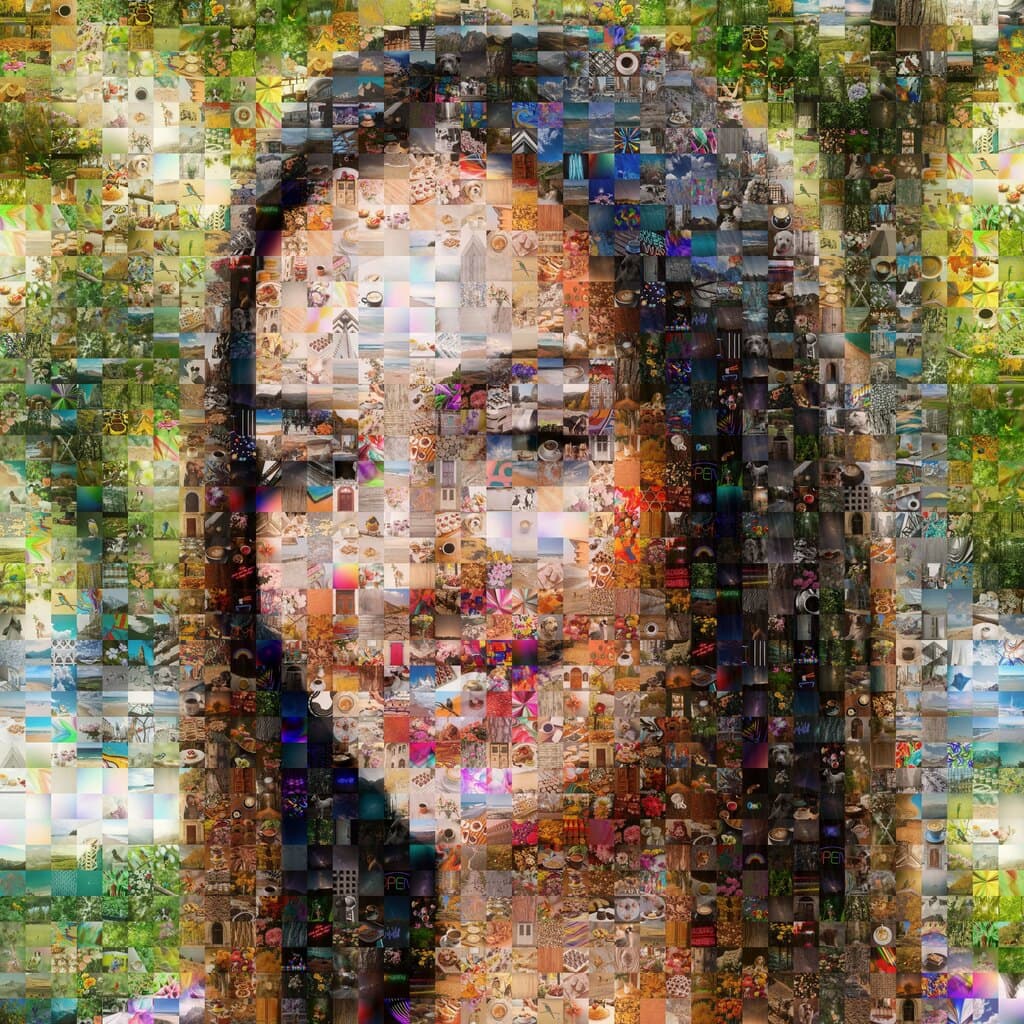
The more the better, from hundreds to thousands. Mix shapes and colors, and skip near-duplicates so look-alikes don’t cluster.
- 8×1016×2024×36STEP 03
Pick a size
Match a standard frame you already own, or go big. Anything from a desk print to a wall-sized mural.
 STEP 04
Create, explore, print
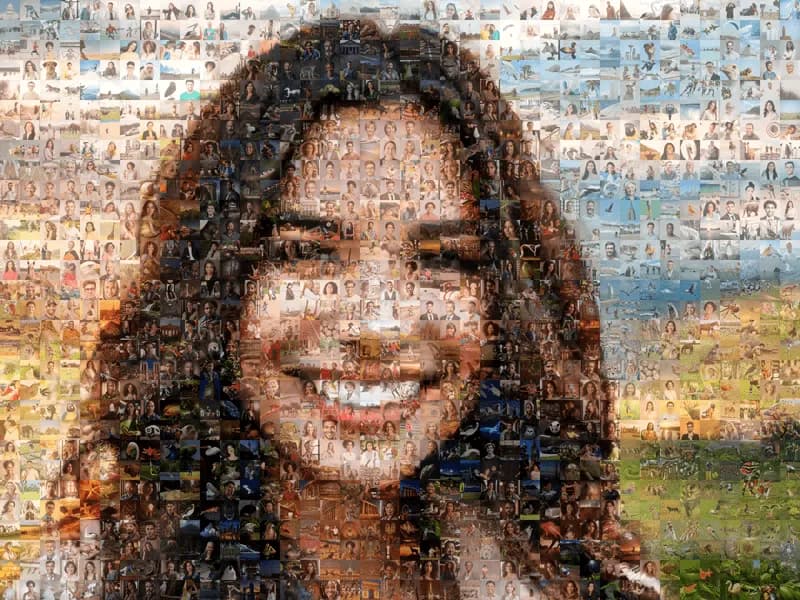
Every tile is matched by shape and color. Zoom in to explore it, then order a premium print or a high-res digital file.
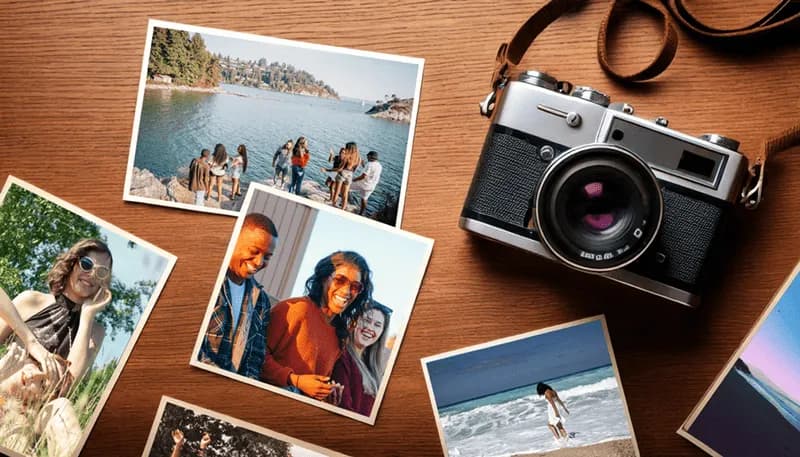
Choosing the perfect main photo
Keep it simple. The best mosaics start from a photo with one or two focal points and a good range of color, so the tiles can blend into it.
Works beautifully
- Close-up faces and portraits
- Pets and animals, up close
- Most landscapes
- Large objects and simple buildings
- Simple logos and large text
- Simple silhouettes
Harder to pull off
- Busy or complex scenes
- Small faces or big groups
- Monochrome or low-contrast photos
- Small or thin text
- Distant, tiny subjects
- Collages
Where the tile photos come from
More photos make a better mosaic, from hundreds to millions. Mix shapes and colors, and use square tiles if your photos are a mix of portrait and landscape.
- Your phone or computer
- Family & friends
- Social media
- Stock photos
- Crowdsourced collections
- AI-generated images
A mosaic for every memory
Weddings, graduations, anniversaries, memorials, a team’s big year. Every one of these was built from about 2,500 photos.
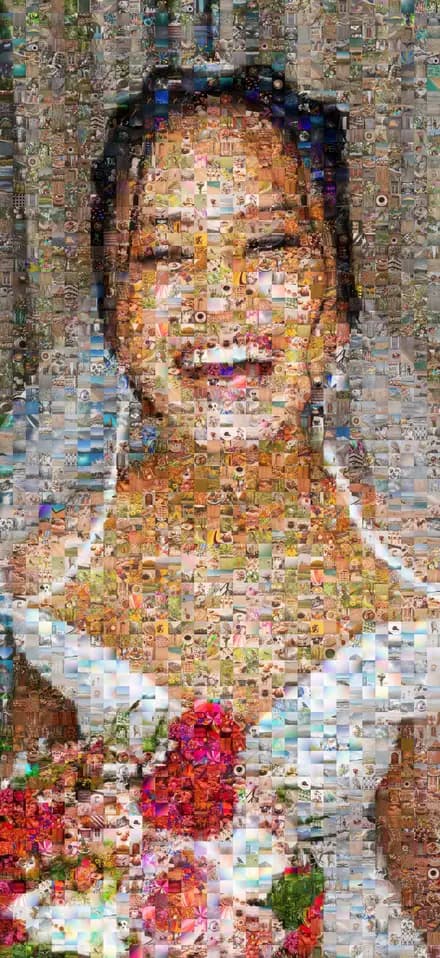
Weddings 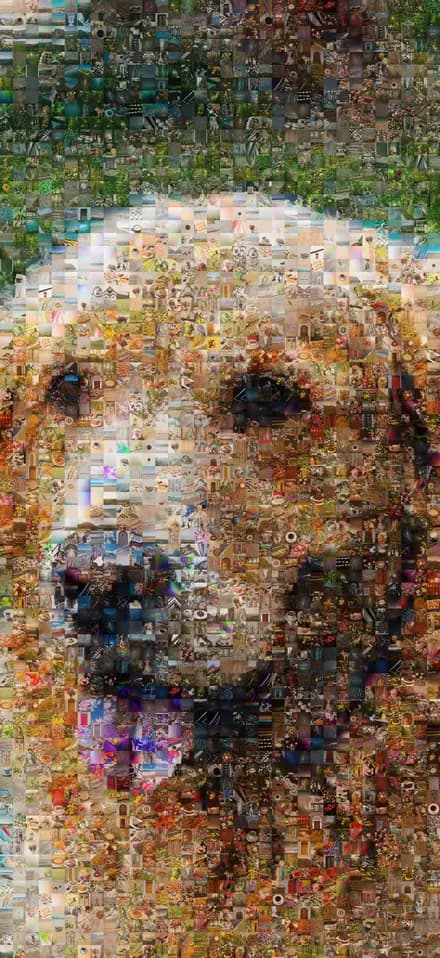
Pets 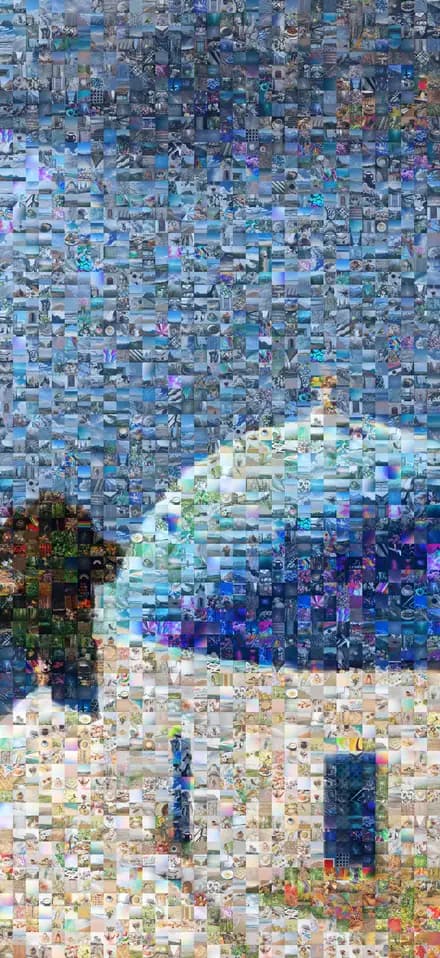
Travel 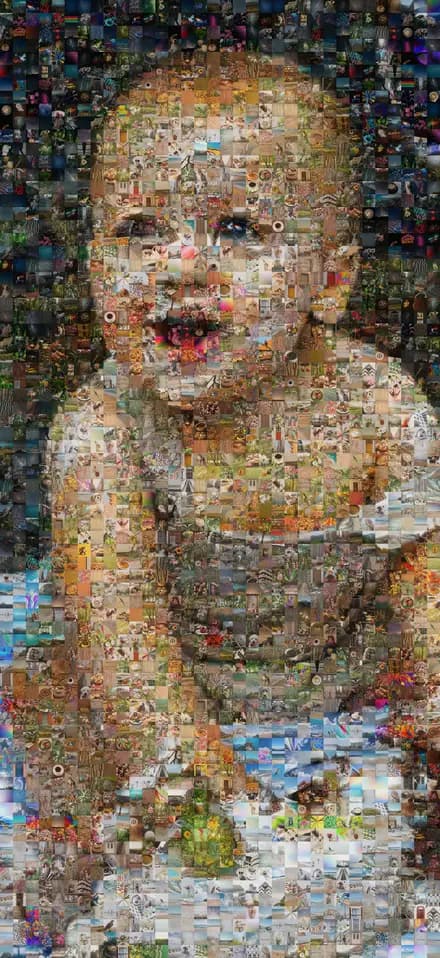
First birthdays 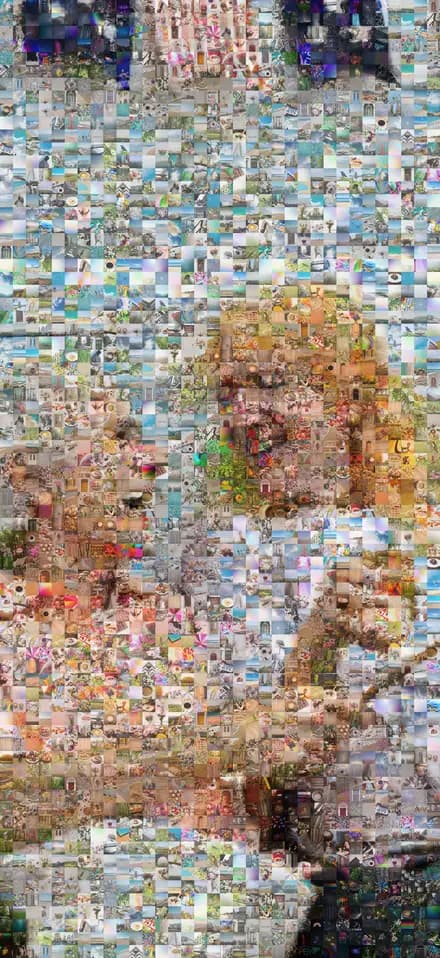
Anniversaries 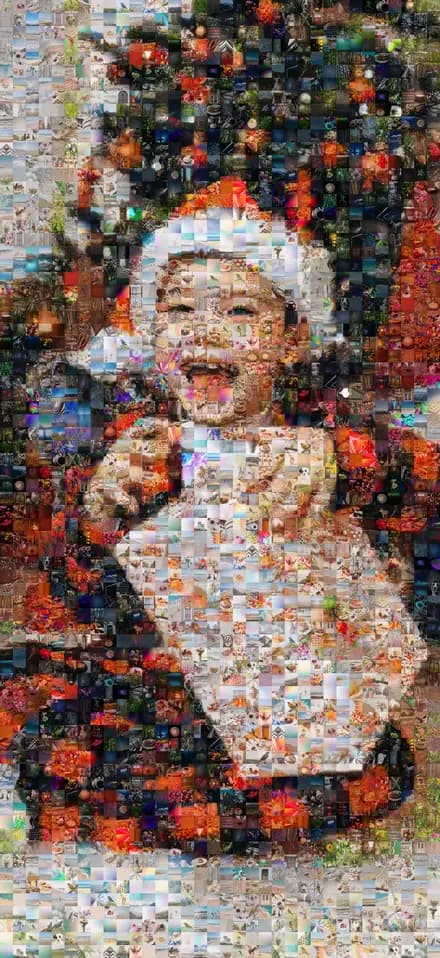
Holidays 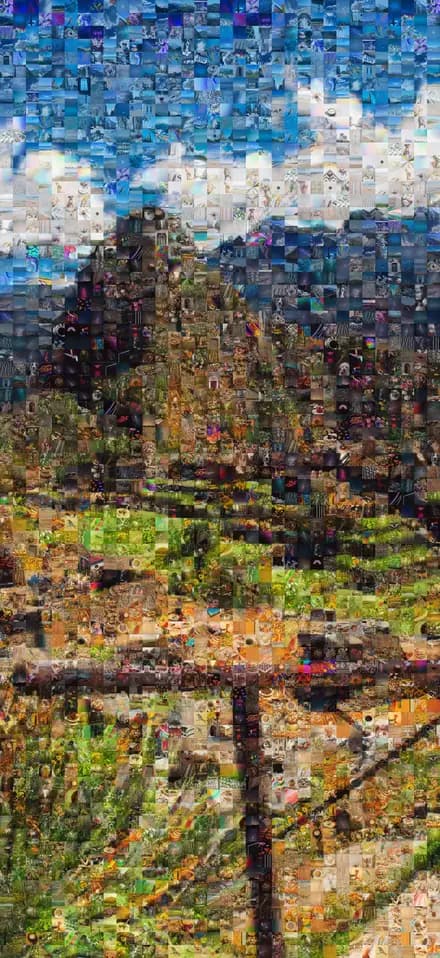
Landmarks 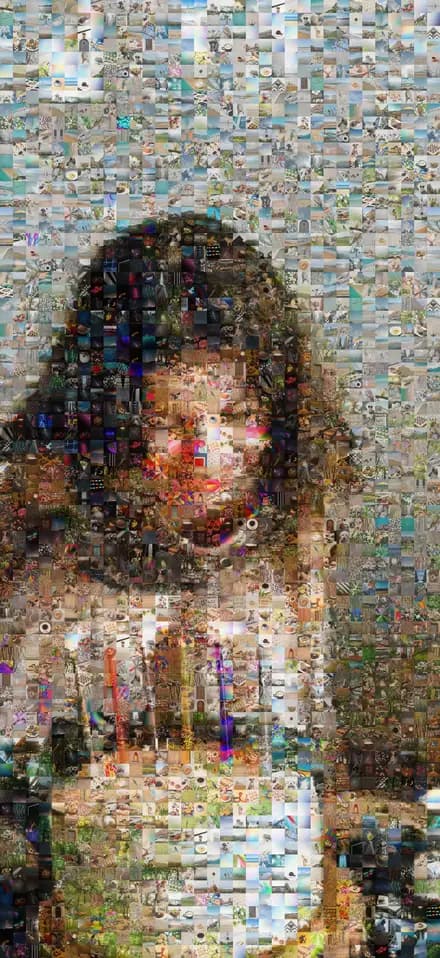
Birthdays
Made to hang
Printed at 2,880+ dpi so every tile stays sharp, in any custom size from a frame on the desk to a mural across the lobby.
- Canvas
- A timeless, gallery-style finish.
- Matte paper
- Smooth and glare-free, so every tile shows.
- Photo luster
- Vibrant color with a subtle sheen.
- Adhesive vinyl
- Sticks straight to the wall, no frame needed.
- Digital file
- 400 pixels per inch, ready to print on metal, acrylic or anything else.
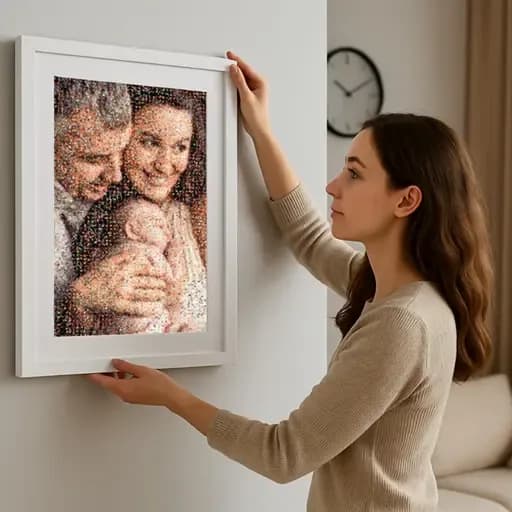
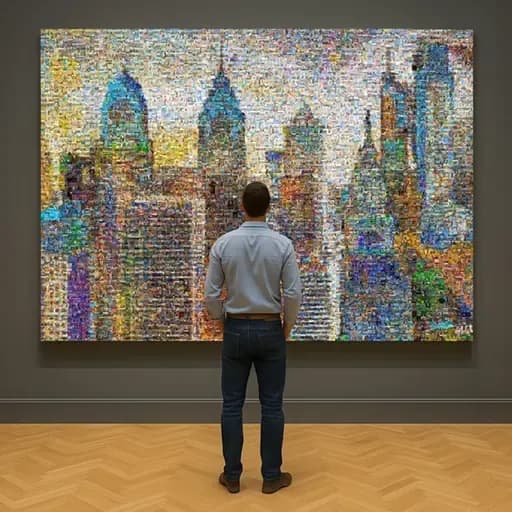
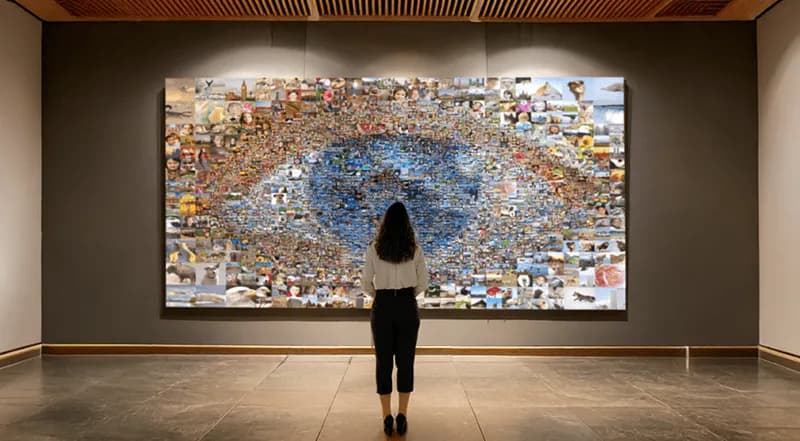
Everything we make with mosaics
From a gift for one person to a live experience for thousands of guests.
Create your own
Live & online experiences
Trusted by brands, teams & families since 2001


Pro Photo Mosaic Creator
Rather make it on your phone?
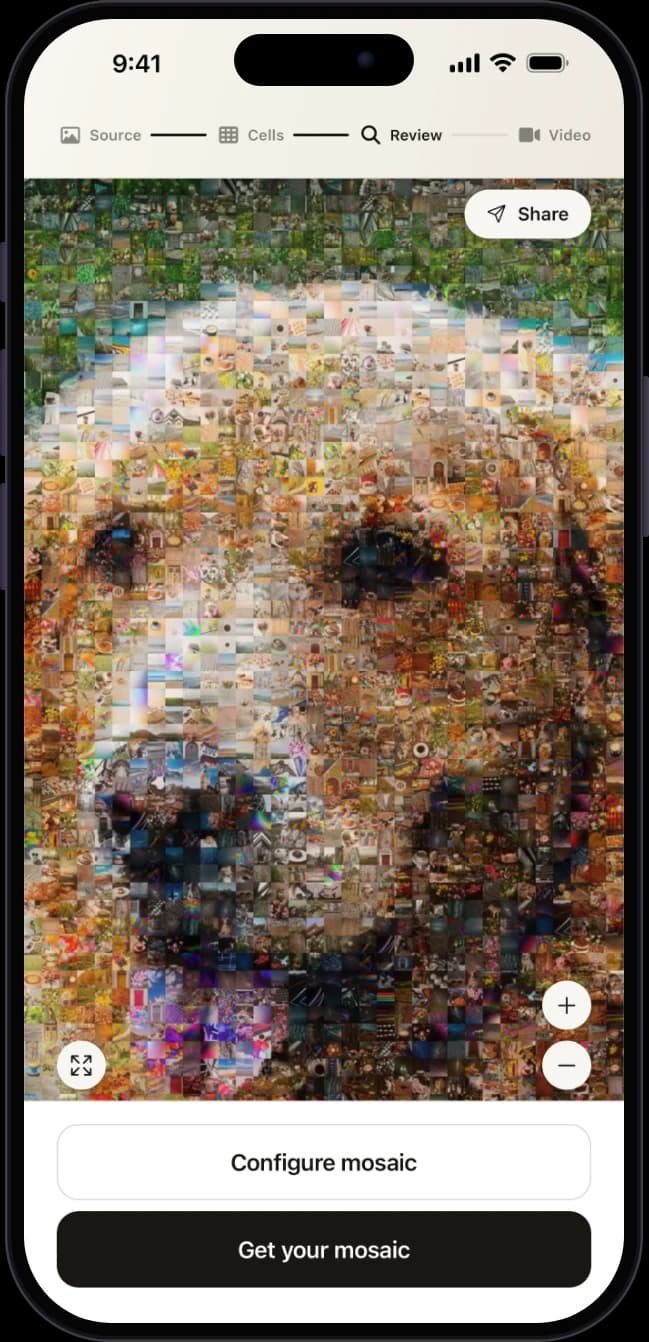
Our app builds a mosaic from your camera roll in seconds. Zoom into every tile, share a live link, and order the print without leaving the couch.
More about the app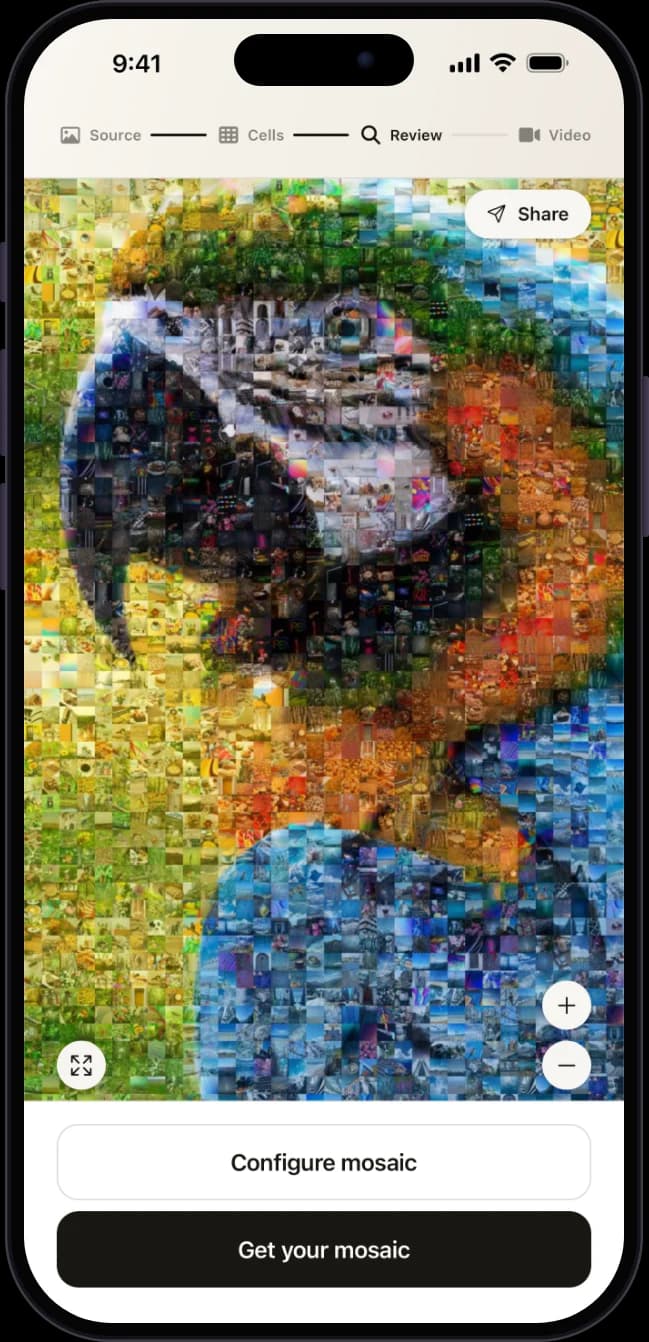
Frequently asked questions
What is a photo mosaic?
A photo mosaic is one large picture made from many small photographs. Up close you see every individual photo; step back and their shapes and colors come together to form the main image. Picture Mosaics calls this a true photo mosaic, and has been making them since 2001.
How many photos do I need to make a photo mosaic?
More photos generally make a better mosaic. A few hundred is enough for a lovely result, and thousands add even more variety and detail. Picture Mosaics projects range from hundreds to millions of photos.
What makes a good main photo?
Keep it simple: one or two focal points and a good range of color. Close-up faces, pets, landscapes, simple buildings and simple logos work beautifully. Busy scenes, small faces in big groups, low-contrast photos and thin text are harder to pull off.
Where can I find photos for the tiles?
Anywhere your memories live: your phone or computer, family and friends, social media, stock photo collections, crowdsourced shared folders, or even AI-generated images. Choose sources that fit the theme of your mosaic.
What sizes and materials can I print?
Any custom size, from a small framed print to a wall mural. Choose canvas, matte paper, photo luster paper or adhesive vinyl, or download a 400 PPI digital file to print on aluminum, acrylic or anything else.
Can I make a photo mosaic for free?
Yes. You can design your mosaic for free with the online Photo Mosaic Tool at PictureMosaics.com, explore it up close, and only pay if you order a print or a digital file.
Can I make a photo mosaic on my phone?
Yes. Pro Photo Mosaic Creator, the Picture Mosaics app for iPhone and Android, builds a mosaic from your camera roll in seconds and lets you order a print right from the app.
Your photos are already a masterpiece
Start free on PictureMosaics.com. Upload a main photo, add your tiles, and watch it come together.
Create your photo mosaic